A company can run a CRM, an email platform, a project management app and an accounting system and still have staff copying lead details from emails, building weekly reports by hand and typing invoice totals into spreadsheets. None of these tasks is large on its own, but together they take up a significant share of the week. In Asana’s Anatomy of Work research, a survey of more than 10,000 knowledge workers, respondents spent about 60% of their time on “work about work” rather than skilled work. AI automation services target that repeated manual work. The practical question is not whether to automate, but which workflow to automate first.
Quick Answer
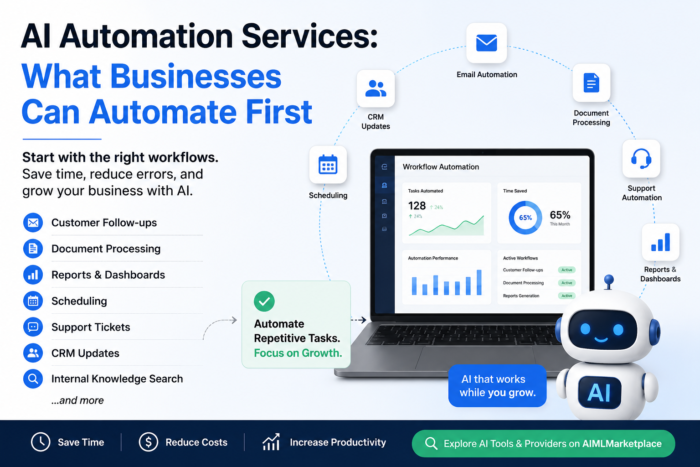
AI automation services reduce repetitive manual work using AI tools, AI agents, workflow automation, integrations and custom AI systems. Good first candidates are customer follow-ups, document processing, meeting notes, CRM updates, reporting, scheduling, support tickets and internal approvals. A standalone AI tool often handles simple tasks; complex, private or multi-system workflows usually call for an AI automation provider.
What Are AI Automation Services?
They are services that use AI to automate repetitive tasks, connect tools, process information and trigger workflows. Typical examples include drafting email replies, summarizing meetings, extracting data from invoices, updating CRM records after a sales call, classifying support tickets, generating weekly reports and qualifying leads. Some businesses use off-the-shelf AI tools; others hire an AI automation company to build custom automation across their systems.
Workflows to Consider Automating First
You do not need to automate everything. Start with work that is repetitive, high-volume, rules-based, slow or easy to measure.
| Workflow | What AI Can Help Automate | Best-Fit Team |
|---|---|---|
| Customer follow-ups | Draft replies, reminders, and next-step emails | Sales and service teams |
| CRM updates | Summarize calls and update customer records | Sales and operations teams |
| Meeting notes | Capture notes, summaries, and action items | Remote and client teams |
| Document processing | Extract data from invoices, forms, and PDFs | Finance and admin teams |
| Support tickets | Classify requests and suggest responses | Customer support teams |
| Reports and dashboards | Pull data and summarize performance trends | Leadership and operations teams |
| Lead qualification | Score leads and route them to the right person | Marketing and sales teams |
| Internal approvals | Trigger review steps and status updates | Operations and project teams |
| Scheduling | Suggest times and reduce back-and-forth | Service and admin teams |
| Knowledge search | Answer questions from internal documents | HR, support, and operations teams |
The gains are measurable when the task fits. A study of 5,179 customer support agents published by the National Bureau of Economic Research found that an AI conversational assistant increased issues resolved per hour by 14% on average, and by 34% for novice and low-skilled workers, with minimal impact on the most experienced agents. The goal is to remove repetitive steps, not people: even one change, such as first-draft support replies or automatic call summaries, frees time the team can spend on customers and decisions.
How to Pick the First Workflow
A good first automation meets most of these conditions: it happens often, follows a repeatable process, takes staff time every week, causes delays or errors, uses data already in your systems, and ties to a clear business result such as response time, hours saved or error rate. Before committing, check whether the task lives in one tool or several, and whether any step needs human approval.
Examples of how teams choose:
- Sales: follow-up automation, because speed matters. Research published in Harvard Business Review found that most companies do not respond to online sales leads nearly fast enough.
- Finance and admin: document processing. Off-the-shelf services such as Microsoft’s Document Intelligence invoice model already extract fields like customer name, billing address, due date, amount due and line items from scanned or PDF invoices.
- Operations: recurring reports that managers currently assemble by hand.
If you cannot describe the current workflow in a few clear steps, fix the process before adding AI.
Examples by Industry
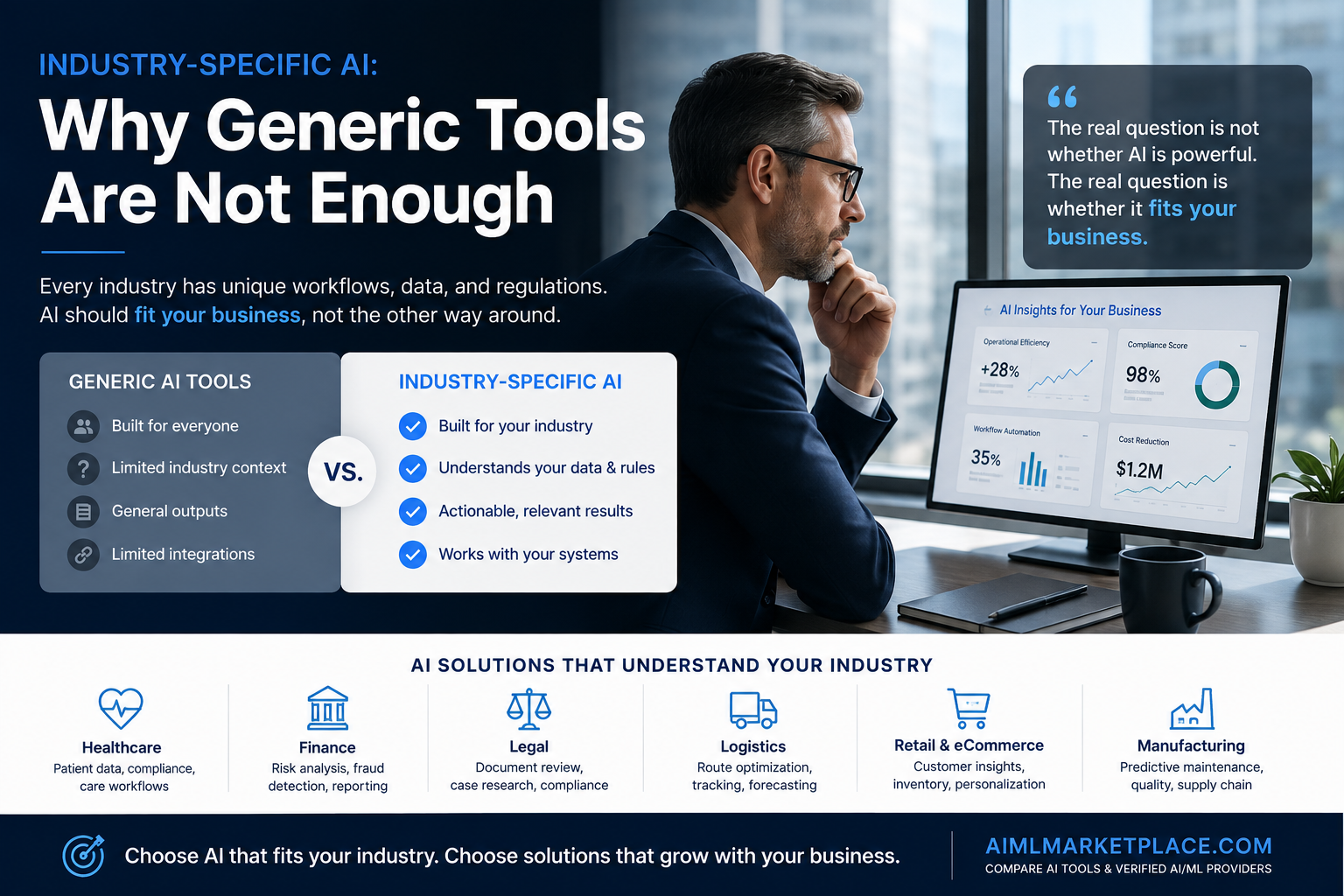
- Healthcare: summarizing intake forms and admin notes, with people reviewing anything that affects patient care.
- Finance: reviewing invoices, flagging unusual transactions, and reducing repetitive data entry.
- Legal: summarizing documents and preparing first drafts for professional review.
- Retail and ecommerce: product descriptions, customer questions, order updates, and inventory summaries.
- Logistics: summarizing delivery issues, updating shipment notes, and routing support requests.
- Professional services: proposals, meeting summaries, and client follow-ups.
- Manufacturing: production report summaries, maintenance flags, and quality-check records.
AI Tool or AI Automation Company?
AI tools are often the fastest route to value. A meeting-notes tool, chatbot or CRM assistant can be set up quickly, and for many teams that is enough. An AI automation provider becomes worth the investment when:
- The workflow touches several systems or needs custom API integration
- The business handles private or regulated data
- The process is too specific for a standard tool, or needs custom AI agents
- You need help with strategy, data readiness, deployment and ongoing support
For a detailed comparison of the two options and a list of providers to review, see Hiring an AI Automation Company: Key Factors to Evaluate First. When the main need is connecting AI to your CRM, ERP, helpdesk or database, our guide to AI integration services covers that work in more detail.
Provider Categories to Explore
AIMLMarketplace groups providers by category so buyers can compare on what they need. A finance team with an invoice backlog might look at AI/ML Development or Automation and Agents; a support team at NLP and Chatbots; a leadership team that wants better weekly reporting at Data Analytics and BI. Review profiles, compare specialties, and request quotes tied to a specific use case.
Explore Automation AI Tools



Common Mistakes to Avoid
RAND researchers who interviewed 65 experienced data scientists and engineers identified five leading root causes of AI project failure, including misunderstanding the problem to be solved, lacking the necessary data, and focusing on the latest technology instead of users’ real problems. In automation projects these show up as:
- Trying to automate everything at once instead of one workflow; one working workflow builds confidence for the next
- Choosing a tool before defining the problem
- Ignoring data quality, then getting unreliable output. Gartner predicts that through 2026, organizations will abandon 60% of AI projects unsupported by AI-ready data
- Leaving integrations until the end
- Skipping staff training and adoption, instead of involving the people who do the work today
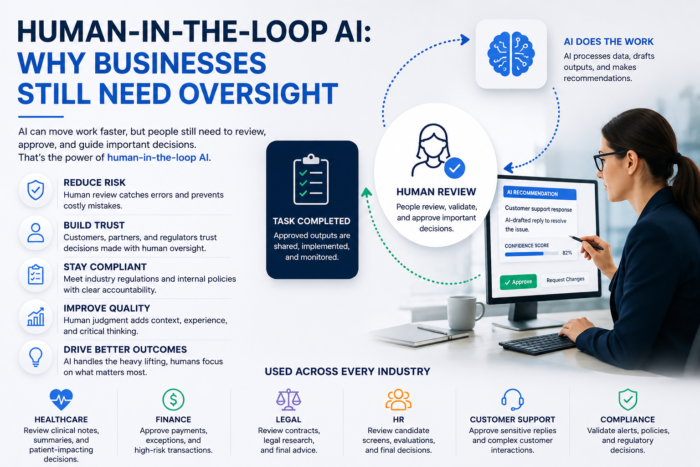
- Skipping security and risk reviews, or human review on high-risk tasks. Anything that affects payments, patients, hiring or legal commitments needs a person in the loop; see our guide to human-in-the-loop AI
- Measuring activity (emails sent, prompts run) instead of impact (hours saved, errors avoided, revenue)
Choosing a Provider and Preparing for the First Call
Look for relevant workflow experience, integration capability, a clear discovery process, security practices, transparent pricing, post-launch support and clear ownership of data, code and workflows. Ask them to walk through a similar project and to tell you what they would not automate. For the risk conversation, the voluntary NIST AI Risk Management Framework is a useful shared reference. Cost depends on scope, integrations, data readiness, timeline and support needs.
Preparation Checklist
- Business problem written in one or two sentences
- Current workflow mapped step by step
- Tools, systems and data sources listed, with owners
- Manual steps to reduce clearly marked
- Steps that need human approval identified
- Security, privacy and compliance needs noted
- Rough timeline and budget range agreed internally
- Internal decision-maker confirmed
- Success metric defined upfront
Conclusion
The businesses that get the most from AI automation pick one painful, repeatable workflow and do it well. Simple tasks may only need an AI tool; complex, connected or sensitive workflows usually need an AI automation company. Start small, measure the result and expand from there.
Explore AI tools and AI/ML providers on AIMLMarketplace, or book a free consultation if you are not sure where to start.
Ready to Transform Your Business with AI?
Explore top providers, collaborate with trusted partners, and take the next step toward innovation.
Frequently Asked Questions
AI automation services help businesses use AI, workflow automation, and integrations to reduce repetitive manual work, connect tools, process information, and support better decisions.
Good first candidates include customer follow-ups, meeting notes, CRM updates, document processing, support ticket classification, reporting, lead qualification, scheduling, and internal knowledge search.
A simple AI tool is often enough for common tasks. An AI automation company is a better fit when workflows involve custom logic, private data, multiple systems, compliance, or AI agents.
Costs vary widely. Pricing depends on scope, integrations, data readiness, timeline, and support needs. Standalone tools cost less upfront, while custom AI automation projects are quoted per engagement.
Compare providers on relevant experience, integration capability, security, pricing clarity, and post-launch support. Shortlisting through a marketplace like AIMLMarketplace makes the comparison faster.
Written by: AIML Marketplace Team